









Discover
Mauna Kea's Art Collection
Scan the artwork and discover Mauna Kea's cultural treasures with our immersive web-based mobile art and culture app.
How to use our web-based Art App:
-
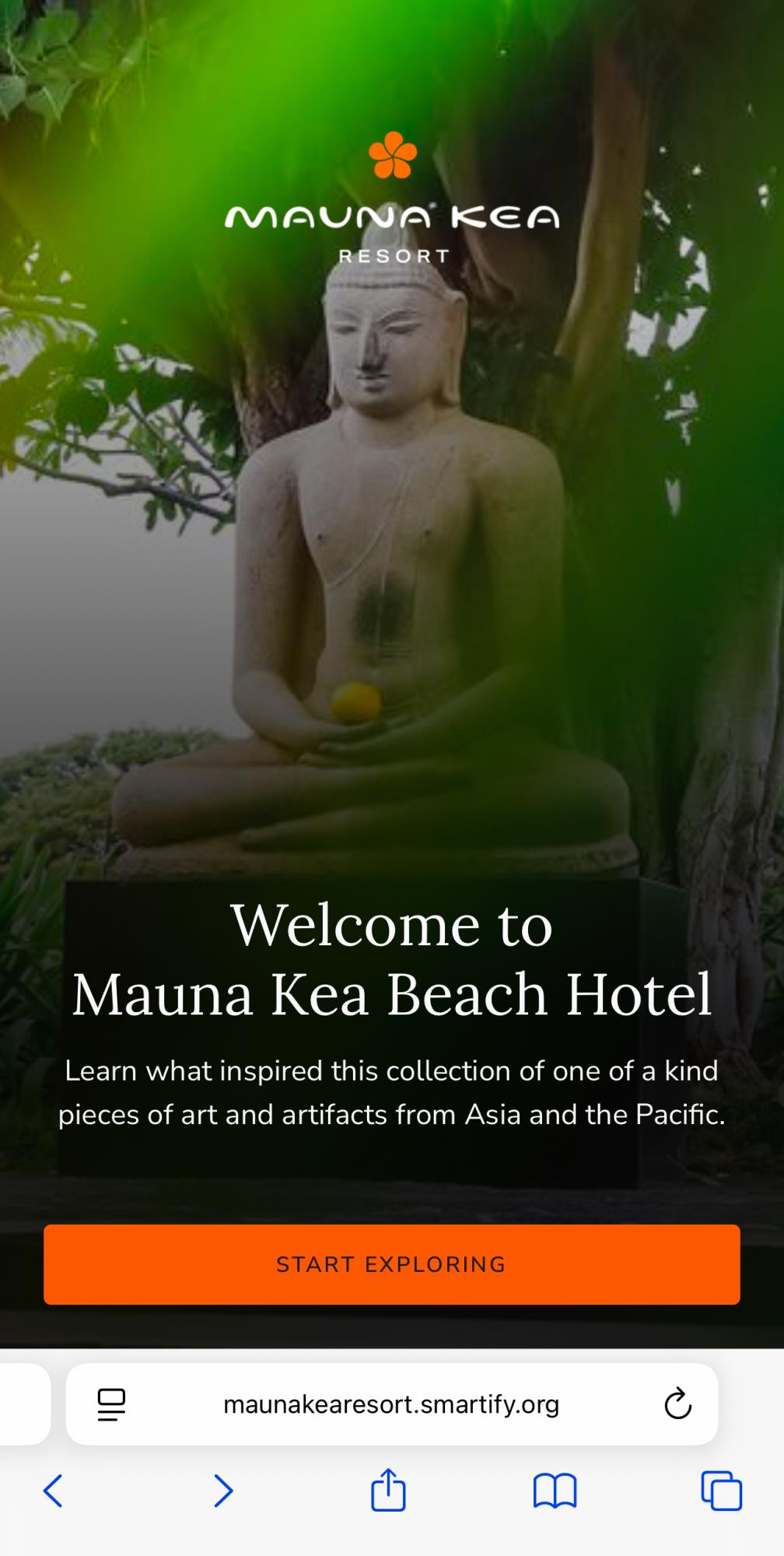
- Open App in Your Smartphone's Browser by Clicking “Start Exploring”
Once you're in the browser-based art app, select "Start Exploring" to begin. -
Tap the "Scan" Icon
Go to the bottom navigation bar and tap the "Scan" icon
(a rounded-edge square with open sides) -
Grant Camera Permissions
You’ll be directed to the Smartify image recognition page, where you’ll be asked to
grant camera permissions. To proceed, select "Allow" -
Scan the Actual Art or Artifact Object
Aim your phone’s camera at the art object and let the app recognize the object. -
Reveal the Story*
Once the artwork is detected, the app will reveal its history, inspiration, and cultural significance.
- Open App in Your Smartphone's Browser by Clicking “Start Exploring”
Now you're ready to explore the Mauna Kea Art Collection like never before!
Start Exploring NOW!
Helpful Tips:
-
- Recognizing Art Objects
If you find that the app isn’t recognizing an art object, click the home button on the bottom navigation bar where the Scan button is, and then press the Scan button. - Audio Description Tip
You can press the small play button underneath the object description to have the app read the description for you. We recommend using headphones to avoid disturbing others and ensure the best experience while listening to the object's audio description.
- Some Objects Are Scannable As Sets
We have installed this collection with themes in many cases and in some cases, we have all the objects of a similar kind installed together. When you see a collection of canoe paddles installed together on the wall or you see a case full of similar objects, try scanning the whole collection vs a single object. -
Not All Objects Are Scannable
You can find every object that is on display around the hotel in the app, but not every object can be “scanned” with your phone camera. For objects that are part of big groups of very similar objects located around the hotel like the big brass Gujarati Manjush Dablos in the Lobby and on 5 or the Burmese bronze rain drums, information about these can be found in the art app under Object Collections on the home page. - Best Time to Explore
For optimal use of our web-based app, please visit the collection during daylight hours to ensure there’s enough natural light for the app's scanner to capture the artwork effectively. - Discover More
Once you’ve selected an object, scroll down to explore additional related items under "You Might Also Like" for more context and recommendations. - Explore More Features
By tapping the "home" button at the bottom of the app, then scrolling down, you’ll find a wealth of information about the art collection and the hotel. This includes comprehensive art collection books, videos, podcasts, and a historical timeline of the hotel, featuring photographs from the 1960s leading up to its opening in 1965.
- Recognizing Art Objects